Does Golku come with channels?
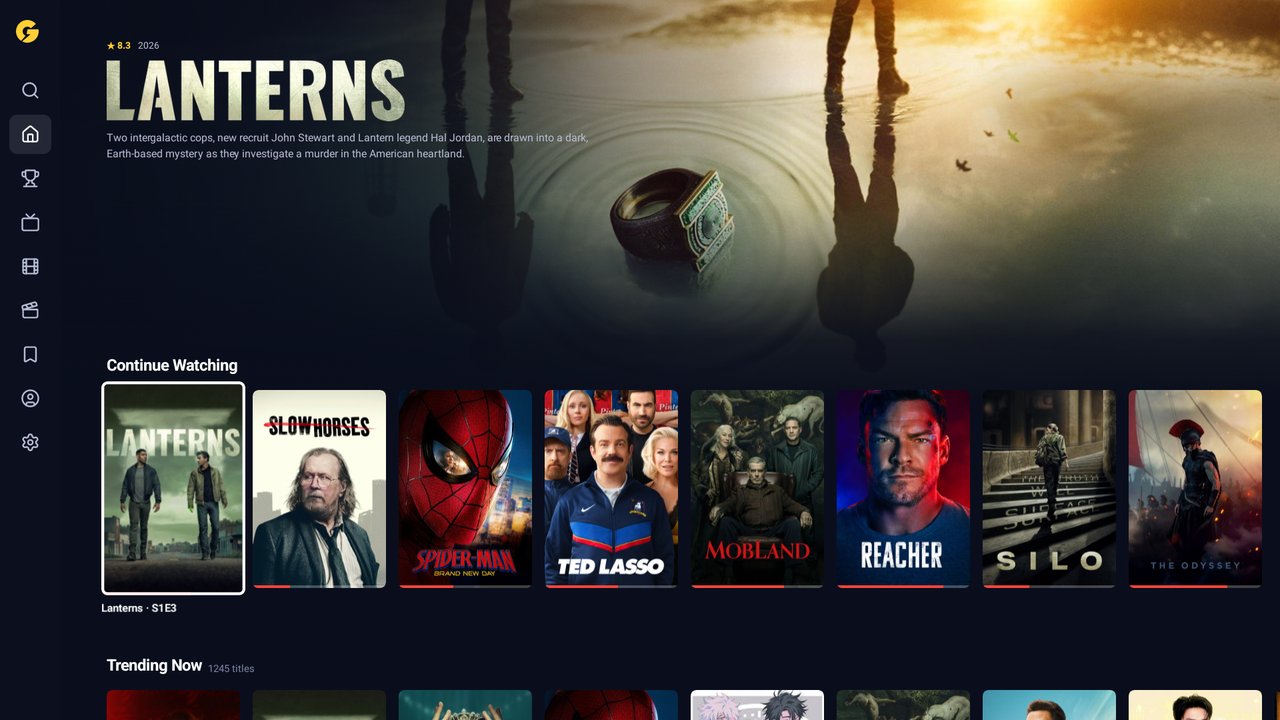
No. Golku is a player. It plays the IPTV subscription you already have from a provider, using the Xtream Codes details or M3U link they gave you. We don't sell, host or pass on any channels or streams.
Which providers work?
Any provider that gives you Xtream Codes details (a server address, username and password) or an M3U playlist link. Your phone checks the details when you save them, so you'll know straight away.
What happens after the 7 days of Plus?
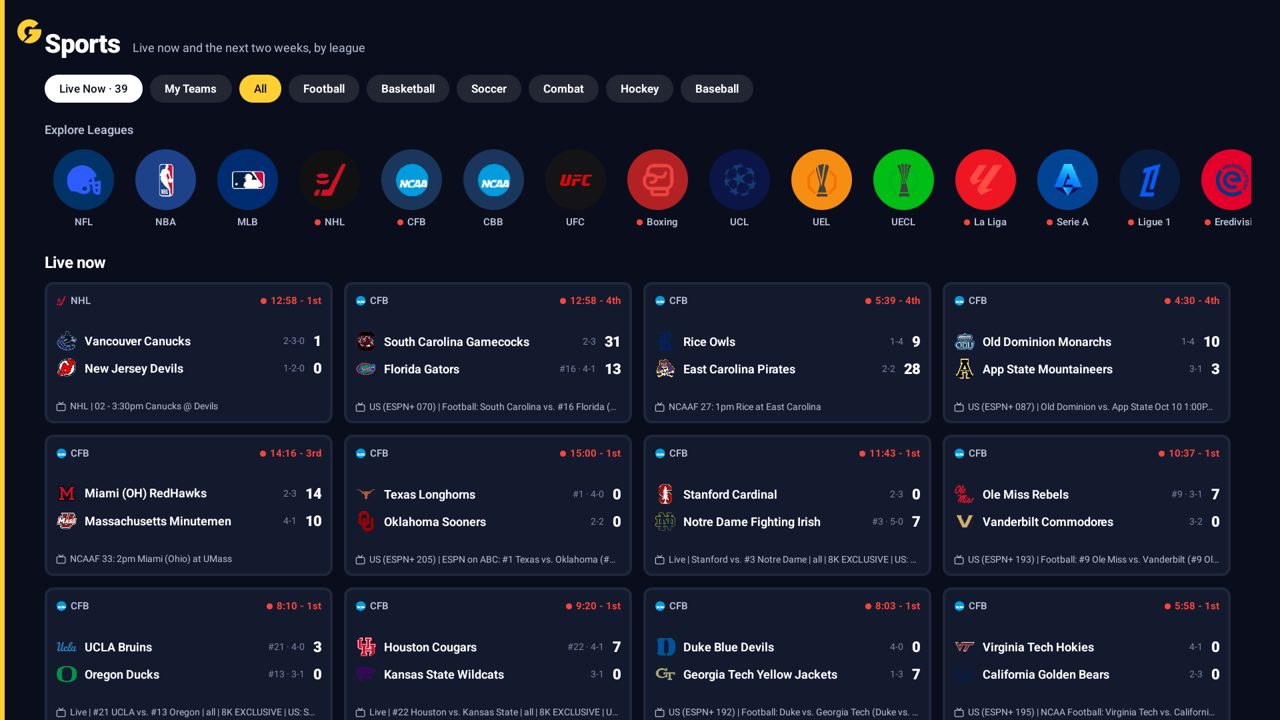
Your 7 days start when you first sign in. When they end you're on the free plan: everything keeps working except the Sports tab. Subscribe from your phone and Plus comes back on your TVs within seconds.
How many TVs can I use?
Every plan is a family plan: sign in on as many TVs, phones and tablets in your household as you like, with up to six profiles.
How do I cancel?
On your phone, go to golku.com/login, sign in and choose Manage or cancel. Your plan runs to the end of the period you paid for.
I use Bolt TV. Do I start over?
No. Sign in to Golku with the email you use for Bolt TV and your line, profiles and watch history come across. You start with the same 7 days of Plus.
Does it work on phones, Google TV or Android boxes?
Yes: Fire TV Sticks and Cubes, Google TV, Android TV boxes, and Android phones and tablets. See the install guide.