Set it up in four steps.
You need a Fire TV Stick or an Android TV, your phone, and an IPTV subscription from any provider that gives you Xtream Codes details or an M3U link. Bolt plays your line; it doesn't sell channels.
-
1
Install Downloader
On the Fire TV home screen, open Find, search for Downloader and install it. It's free.
-
2
Let Downloader install apps
Go to Settings, My Fire TV, Developer options, Install unknown apps and turn Downloader on. If you don't see Developer options, open My Fire TV, About and click the device name seven times.
-
3
Type the address
Open Downloader, type tv.bibblet.com/apk, select Go, then Install.
-
4
Sign in with your phone
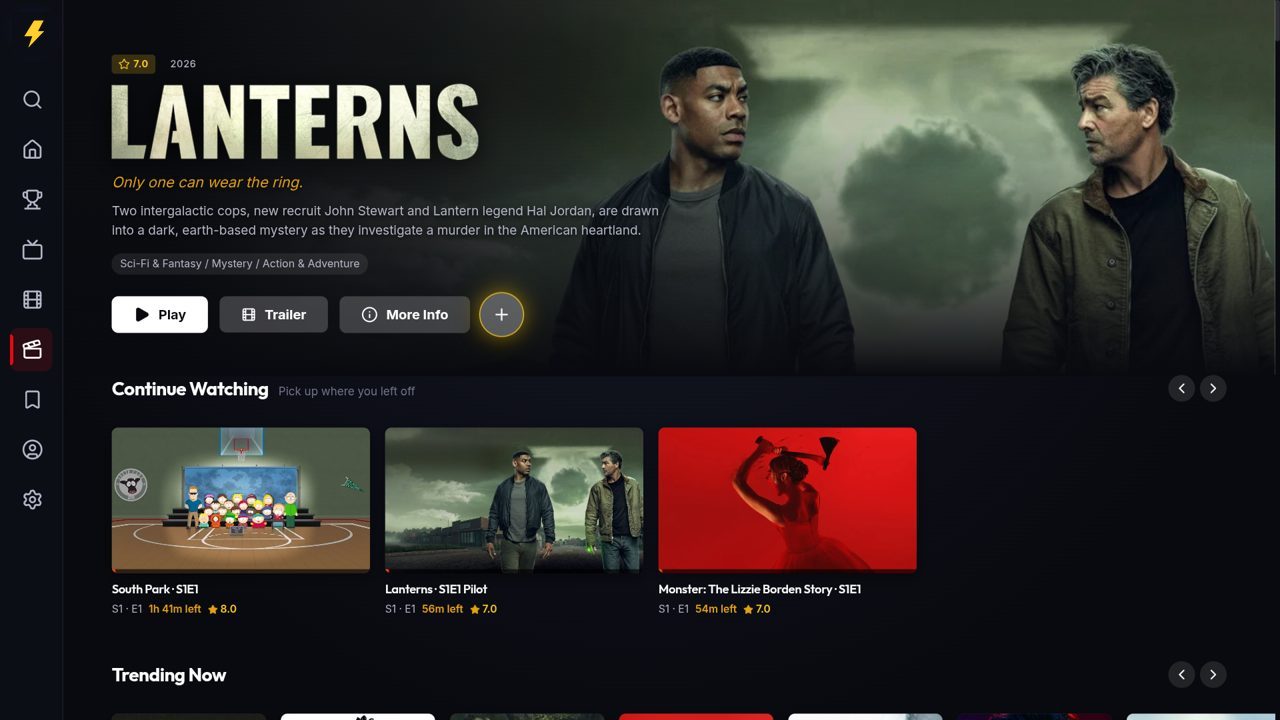
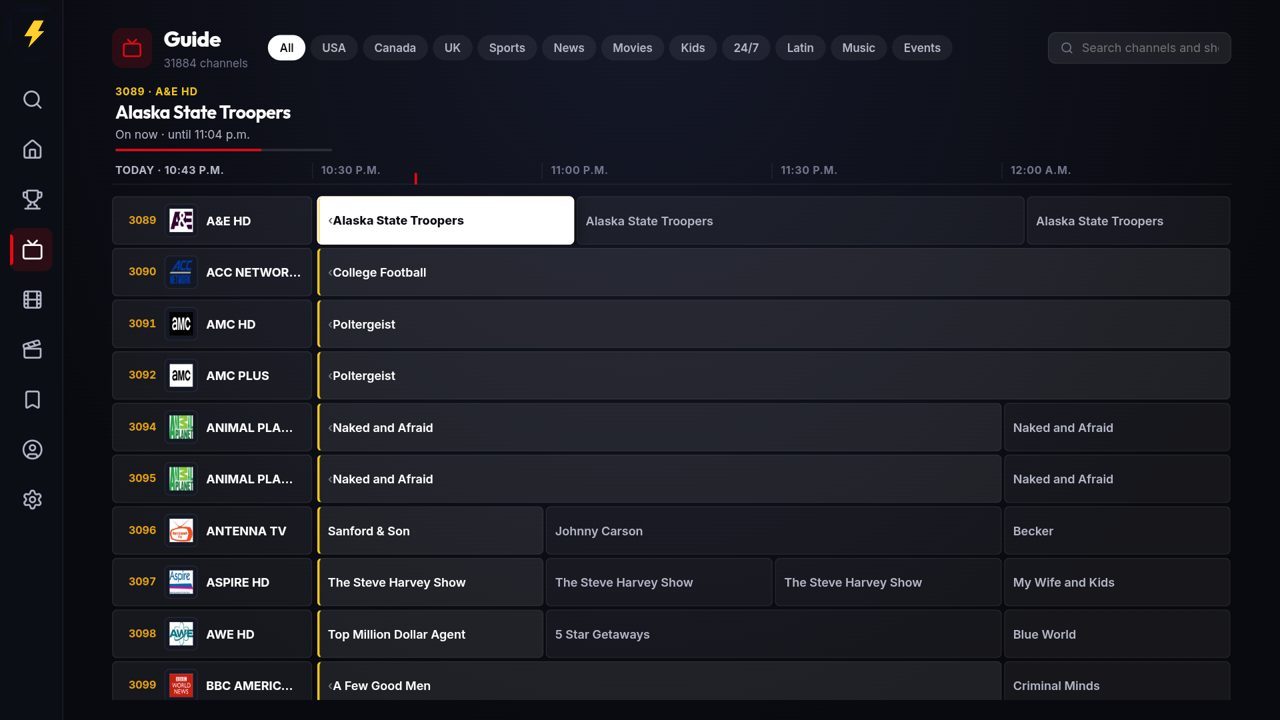
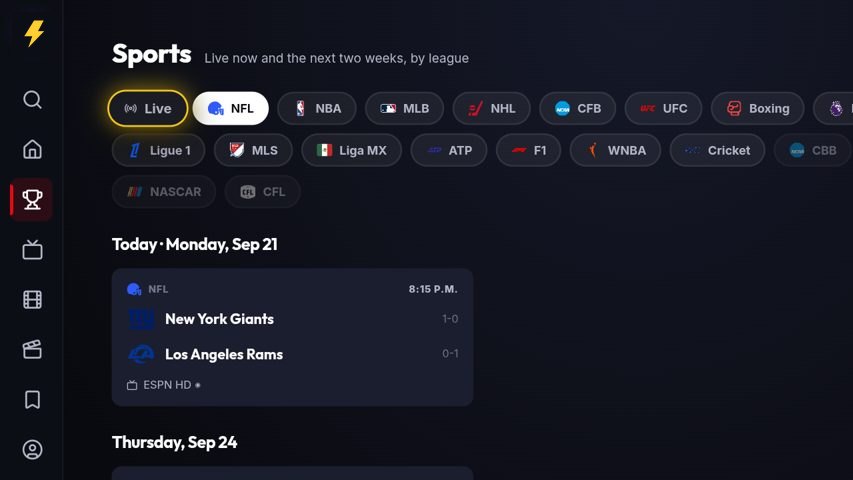
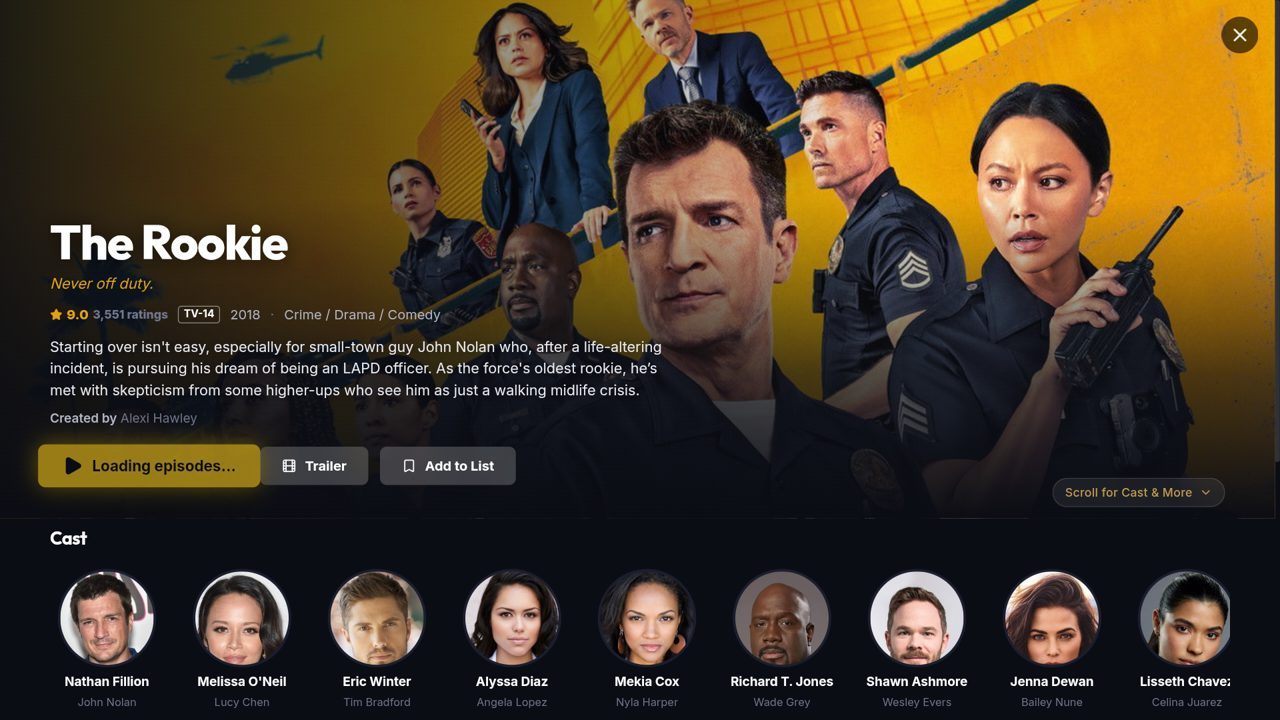
Open Bolt TV and scan the code on the screen with your phone. Sign in with your email, then add your IPTV line. The TV starts loading your channels the moment you save it.
On Android TV or Google TV, install Downloader from the Play Store and start at step 3; the TV asks once to allow the install. Updates arrive inside the app. Full install guide